
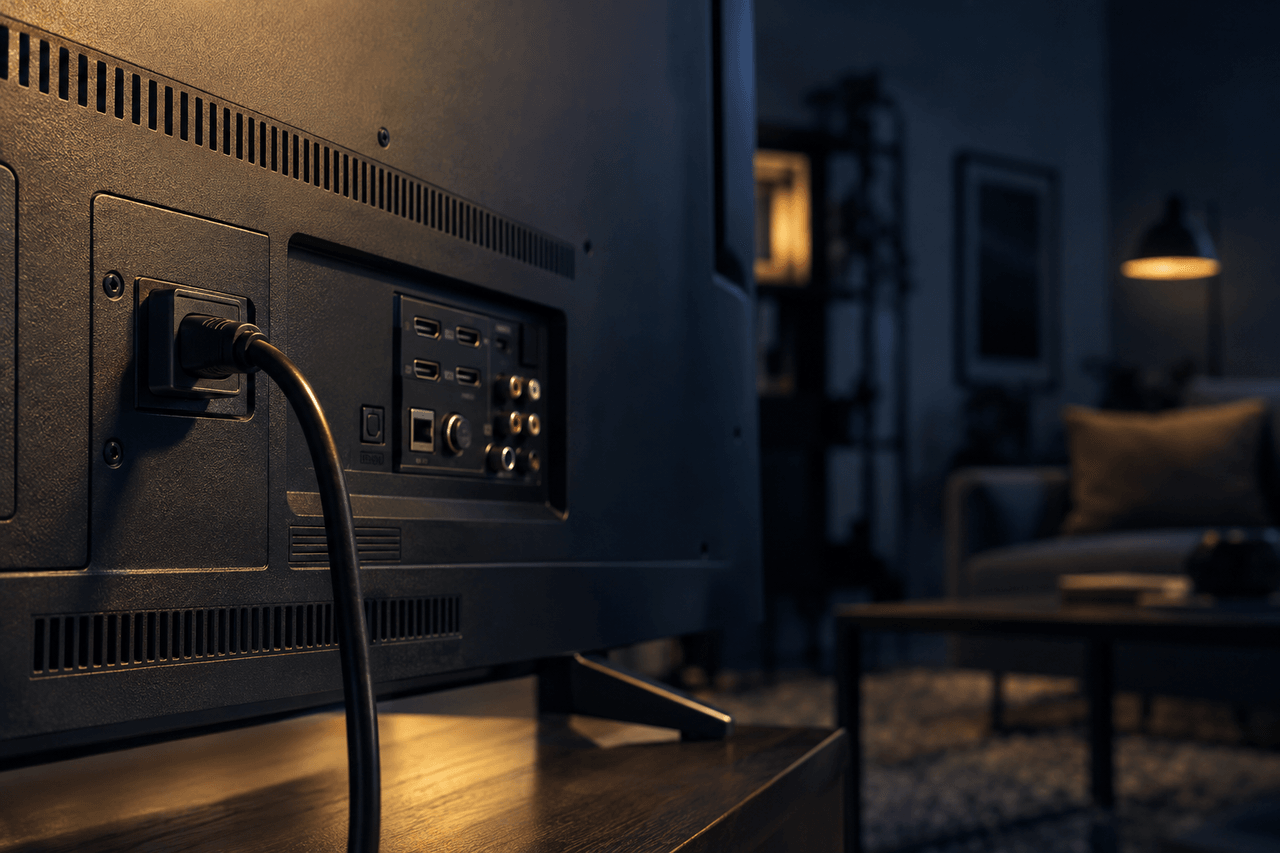

A typical modern TV uses between 30 and 200 watts while running, depending on screen size, display technology, and brightness settings. That range makes a real difference on your electricity bill, especially in Texas households where screens run four to eight hours a day. This guide covers wattage by size and panel type, shows how to estimate your annual cost, and flags where real savings are available.
Why TV Wattage Varies So Much
Three factors drive most of the difference in TV power consumption.
Display technology is the biggest factor. OLED panels light each pixel individually and dim unused ones, which saves power on dark content, but on typical bright content an OLED TV often draws 20 to 40 percent more power than an equivalently sized LCD set. QLED and standard LED-LCD TVs are more uniform in their backlighting, which keeps their draw steadier regardless of content. Older plasma sets, now off the market but still found in many homes, used 150 to 400 watts, far more than any current technology at the same screen size.
Screen size scales power draw almost linearly. A 32-inch TV has roughly one-quarter the display area of a 65-inch model, and its power consumption reflects that. Doubling the diagonal measurement roughly quadruples the screen area, but power draw rises more slowly than area. A set with four times the screen area typically draws only about two to three times the power.
Brightness and picture mode can swing consumption by 30 to 50 percent on the same set. Vivid or sports mode cranks up the backlight; cinema or eco mode pulls it back. Under the Department of Energy's test procedure, sets that ship with automatic brightness control enabled are measured at several room-light levels and the rated wattage is the weighted average of those readings, so ABC savings are already baked into the label figure.
Wattage by Screen Size
The figures below represent typical running wattage for LED-LCD televisions, the most common type sold in the United States (source: Energy Star program data and manufacturer specification sheets). OLED sets at the same size run roughly 20 to 30 percent higher. Plasma sets, if still in use, run two to three times higher.
| Screen Size | Typical Running Watts (LED-LCD) |
|---|---|
| 24 inch | 20 to 30 W |
| 32 inch | 30 to 55 W |
| 40 to 43 inch | 50 to 80 W |
| 50 to 55 inch | 70 to 120 W |
| 65 inch | 100 to 150 W |
| 75 inch | 130 to 200 W |
| 85 inch | 180 to 300 W |
How Many Watts Does a 32-Inch TV Use?
A 32-inch LED-LCD TV draws 30 to 55 watts under normal viewing conditions. At the midpoint of that range, 42 watts, running the set for five hours a day produces about 76 kilowatt-hours (kWh) per year. At Texas's residential average rate of roughly 15.5 cents per kWh (EIA, 2025 statewide average), that works out to around $12 per year. OLED TVs are not made at this size (42 inches is the smallest OLED TV sold), so a 32-inch set will be LED-LCD; an older LCD with a fluorescent backlight could reach the upper end.
Standby Power: The Hidden Draw
Most televisions consume 0.5 to 2 watts in standby mode, waiting for a remote signal or network command. That figure sounds trivial, but a TV left on standby for 8,760 hours a year (the full year) uses 4 to 17 kWh annually without displaying a single frame. Multiply that across four or five screens in a household and standby becomes a minor but measurable line item.
Switching to a smart power strip or using the TV's eco standby setting cuts this to near zero. Some smart TVs with always-on voice assistants draw 3 to 5 watts continuously even in standby, which moves the number higher.
How to Calculate Your TV's Annual Electricity Cost
No special tool is required. The formula has three steps.
- Find the wattage. Check the label on the back of the set, the user manual, or search the model number on the Energy Star product database. Use the rated wattage, not the maximum wattage listed for audio output.
- Convert to kilowatt-hours. Multiply watts by daily hours of use, then divide by 1,000 to get daily kWh. Multiply by 365 for annual kWh.
- Apply your rate. Multiply annual kWh by your price per kWh in dollars, the cents-per-kWh figure on your bill divided by 100.
Example: A 55-inch LED-LCD rated at 95 watts, watched for six hours a day.
- Daily kWh: 95 x 6 / 1,000 = 0.57 kWh
- Annual kWh: 0.57 x 365 = 208 kWh
- Annual cost at 14.9 cents/kWh: 208 x $0.149 = $31
The 14.9 cents used here is a representative competitive plan price quoted at 1,000 kWh of monthly usage, the benchmark every Texas Electricity Facts Label must disclose, delivery charges included, under PUCT rule 16 TAC §25.475. It sits a little below the statewide EIA figure cited earlier, which measures what all Texas households actually paid on average, including customers on older contracts and in areas without retail choice, so the two numbers are not directly comparable. Use the rate printed on your own bill: households paying above the figure used here have proportionally higher TV operating costs and a stronger reason to compare plans.
Comparing Technology Types Side by Side
For a 65-inch screen, here is how the main technologies compare on power and estimated annual cost (six hours of daily viewing, 14.9 cents/kWh).
| Technology | Typical Watts | Annual kWh | Annual Cost |
|---|---|---|---|
| OLED | 105 to 150 W | 230 to 328 kWh | $34 to $49 |
| QLED / LED-LCD | 100 to 150 W | 219 to 328 kWh | $33 to $49 |
| Mini-LED LCD | 110 to 160 W | 241 to 350 kWh | $36 to $52 |
| Plasma (legacy) | 250 to 350 W | 548 to 766 kWh | $82 to $114 |
The gap between a current OLED and a legacy plasma running six hours daily can exceed $70 per year. Replacing an old plasma is one of the rare appliance swaps where the electricity savings partially offset the hardware cost over a few years.
Practical Ways to Reduce TV Energy Use
Changing a few settings costs nothing and reduces consumption immediately.
Switch the picture mode. Cinema, movie, or calibrated mode on most sets reduces backlight intensity to levels appropriate for typical indoor lighting. Vivid mode, the factory default on many TVs sold in bright showrooms, runs the backlight near maximum.
Enable auto-brightness control (ABC). Most sets sold in the last five years have a light sensor that dims the screen when the room is dark. Turning this on can lower real-world wattage by 20 to 40 percent compared to a fixed-brightness setting.
Use a sleep timer. Televisions running overnight in empty rooms are a common source of wasted consumption. A one-hour sleep timer eliminates that entirely.
Check for a low-power standby option. Some smart TVs allow a choice between quick-start standby (higher draw) and eco standby (near zero). The tradeoff is a slightly longer startup time, typically two to four seconds.
When Your Electricity Rate Matters More Than the TV
A household paying 20 cents per kWh pays roughly 34 percent more to run the same television than one paying 14.9 cents. The TV's wattage is fixed, but the rate is a variable the household can control in Texas's deregulated market.
If a plan comparison shows a meaningful rate gap, switching plans can save more over a year than any picture-mode adjustment. The important caveat: some low-advertised-rate plans carry bill-credit cliffs that make them expensive for households whose usage falls below 1,000 kWh in mild months. Texas rule 16 TAC §25.475 requires every Electricity Facts Label to state the plan's average price at 500, 1,000, and 2,000 kWh a month with delivery included, and on bill-credit plans the 500 kWh column can land several cents per kWh (and tens of dollars a month) above the 1,000 kWh column. Consumers who run a modest number of devices, including smaller TVs, should check the Electricity Facts Label at both usage levels before enrolling.
The Bottom Line
TV wattage ranges from about 30 watts for a 32-inch LED set to 300 watts or more for a large legacy plasma. For most households running a mid-size modern TV, the annual electricity cost falls between $20 and $50 at median Texas rates. Display technology, screen size, and brightness settings drive most of that variation. For households already running efficient equipment, the electricity rate itself becomes the more impactful number to examine.